Test by channel
Quickstart
This is the fastest way to see Testzilla work: no code, no API keys, no setup files. You sign up, point Testzilla at an agent you have already built on Retell, Vapi, or ElevenLabs, and read your first result, all in the web app at app.testzilla.ai.
If your agent answers a phone number, that is the quickest path of all. Have its phone number and provider agent ID handy.
-
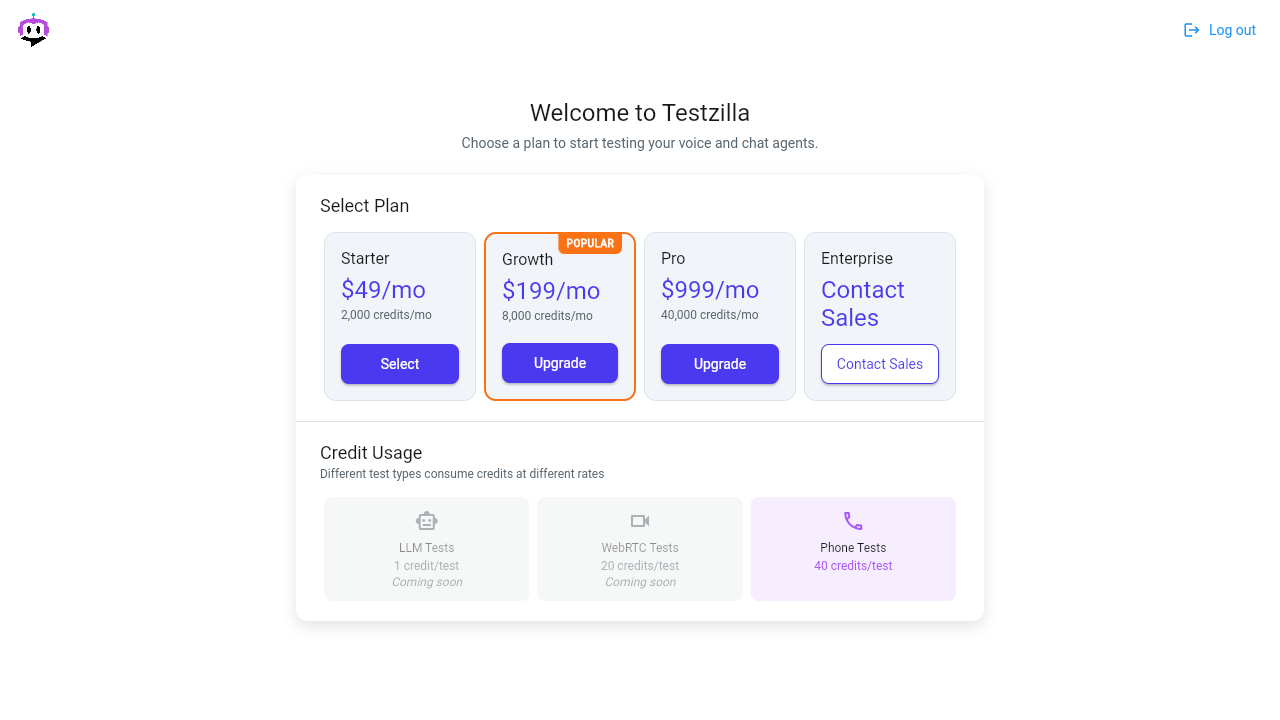
Sign up and choose a plan
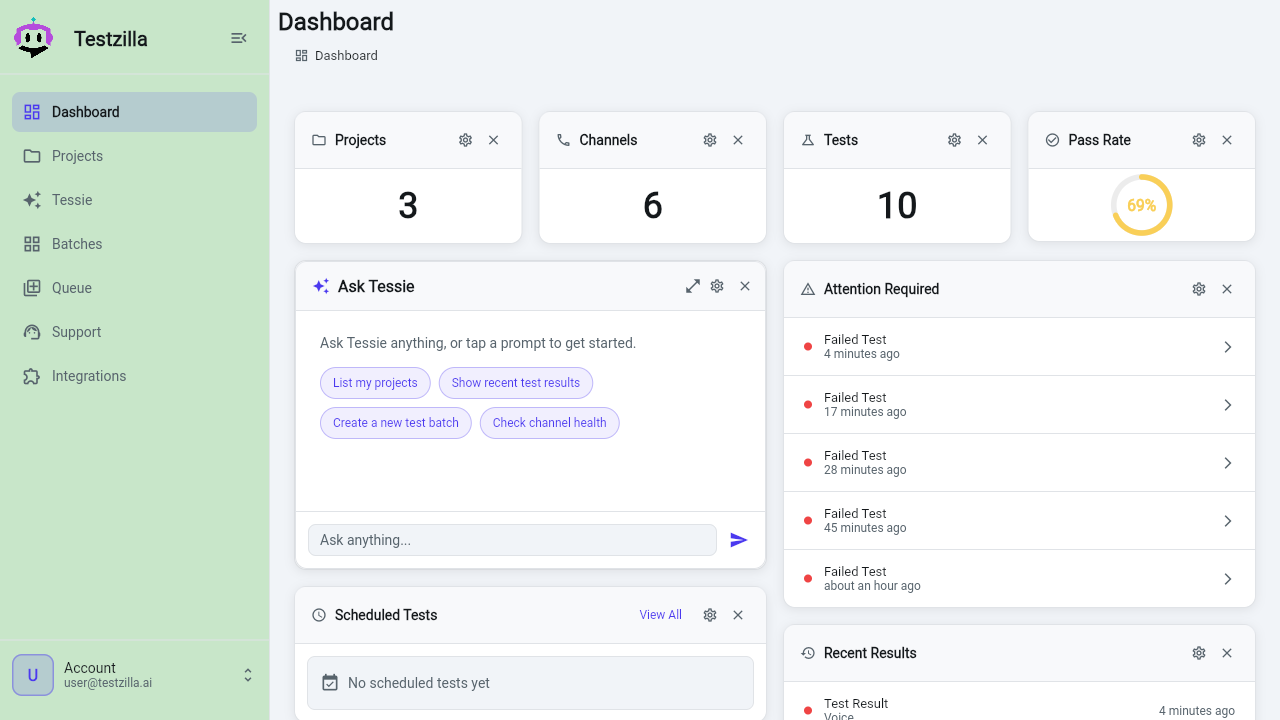
Sign up or log in at app.testzilla.ai, choose a plan, enter your card, and you land on the Dashboard. The left nav gives you Dashboard, Projects, TZ Console, Batches, Queue, Support, Integrations, and Admin.
-
Let TZ Console set it up for you (recommended)
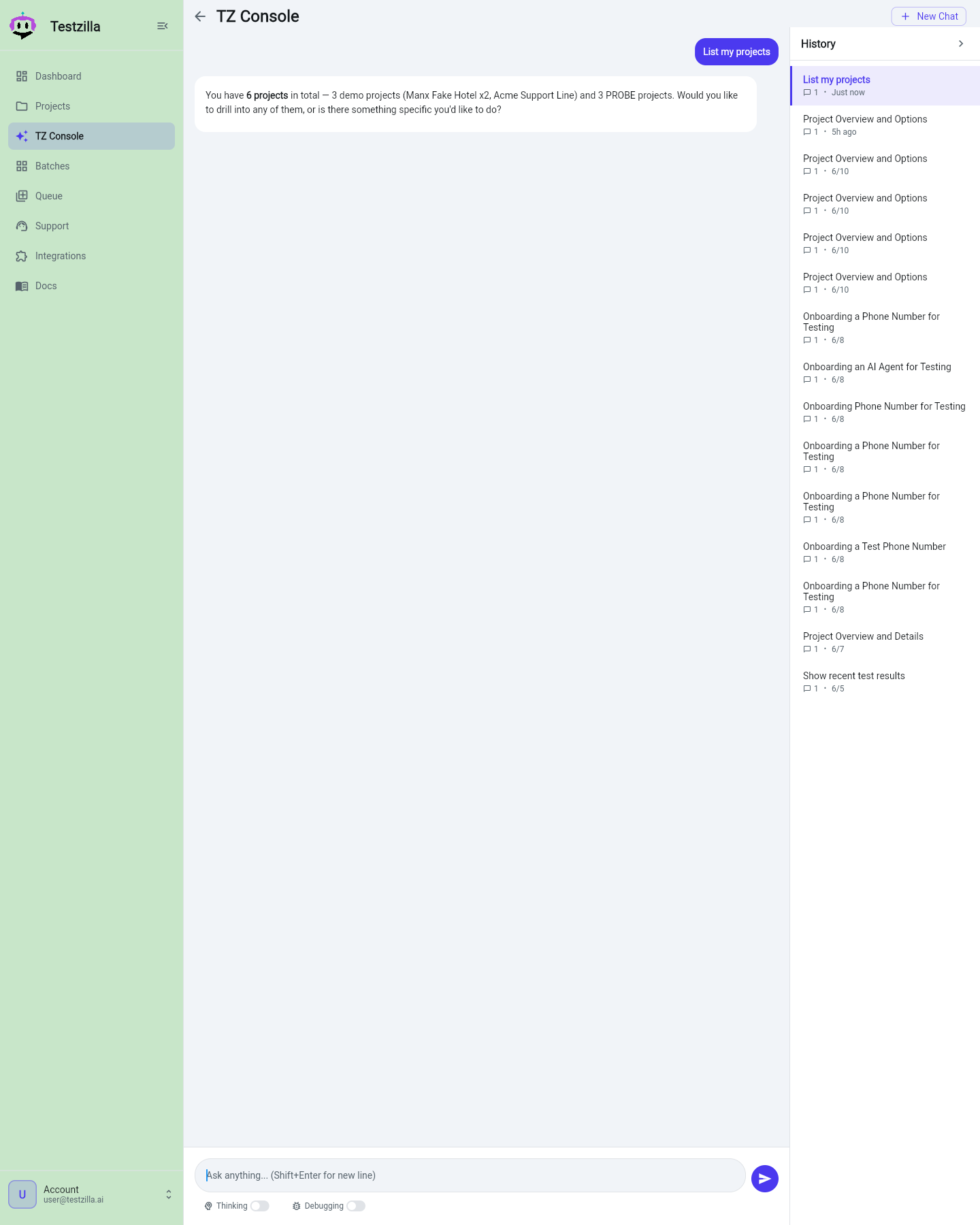
TZ Console is the built-in AI assistant and the no-code path to a first result. On the Dashboard or Projects page, click Set up with TZ Console / Ask TZ Console, then describe what you want to test in plain language, for example:
“Test my Retell support line on +1 555 0100. Make sure it can book an appointment and never gives medical advice.”
TZ Console creates the project, adds the channel for your agent, writes the tests, and runs them for you, all from the chat. The full-screen version lives on the Console page in the nav.
-
Or use the setup wizard by hand
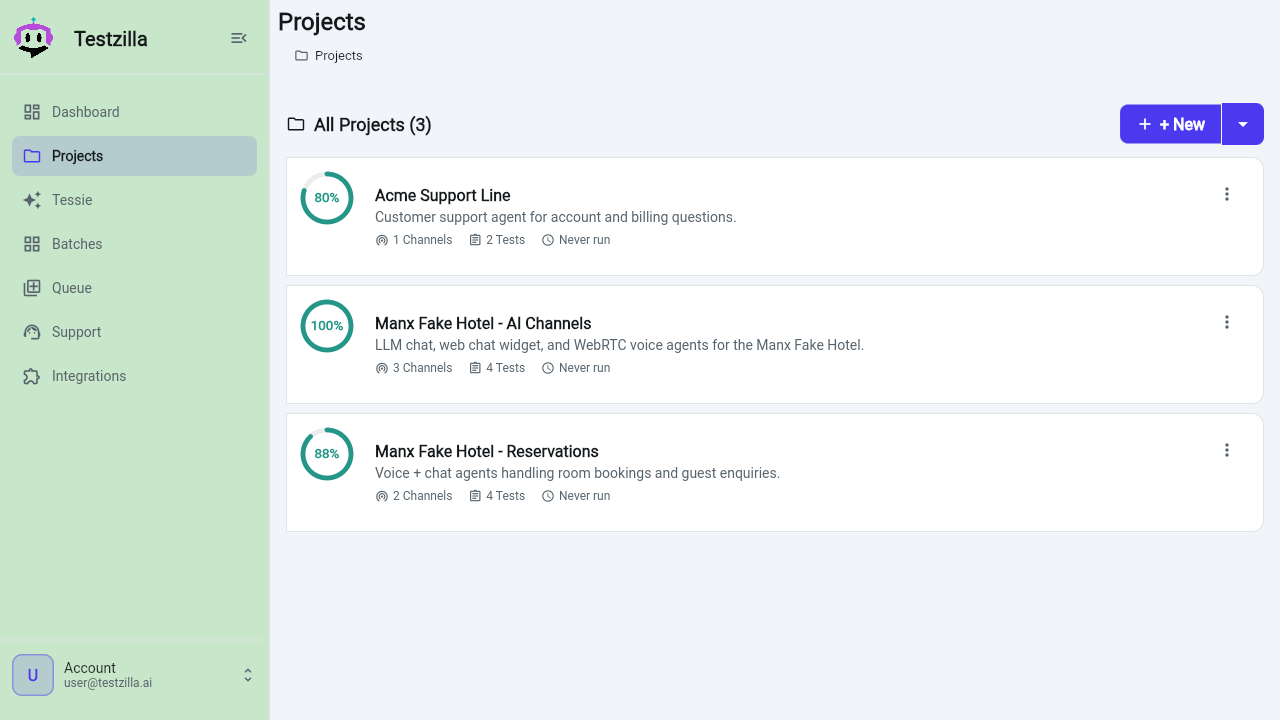
Prefer to click through it yourself? Testzilla organises everything in three layers:
- Project — a container that groups related channels and tests.
- Channel — a connection to the agent under test. A channel has a connection type: phone, LLM Chat, Web Chat, or Web Voice. See Creating Channels for the per-provider fields, or follow a task guide for your channel.
- Test — a scenario the AI tester runs against the channel.
The core model is Project → Channel → Test → Run → Results.
-
Run it
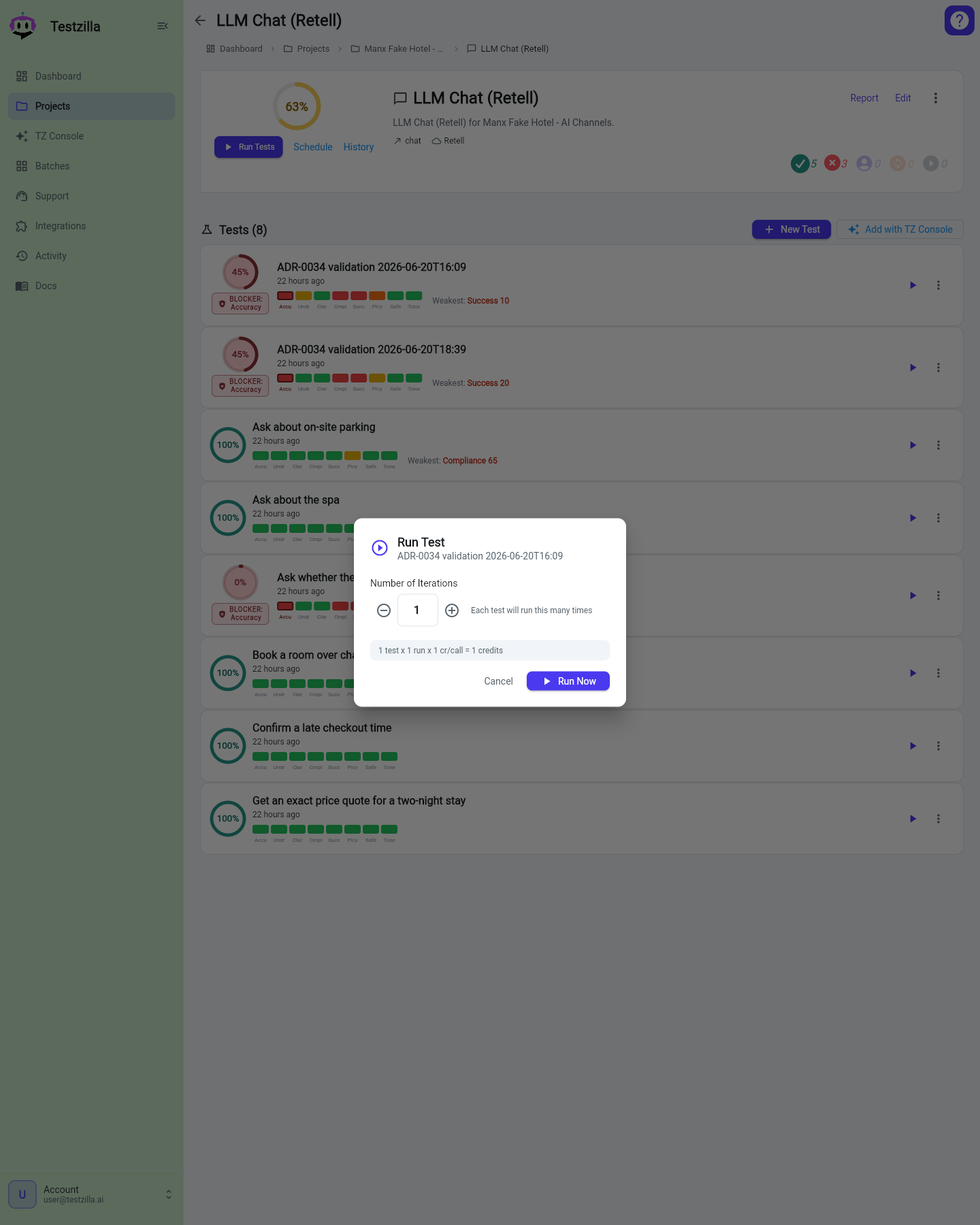
Pick a test, channel, or project and click Run. Set the number of iterations, and optionally schedule the run for later. Track in-progress runs on the Queue page.
-
Read the result
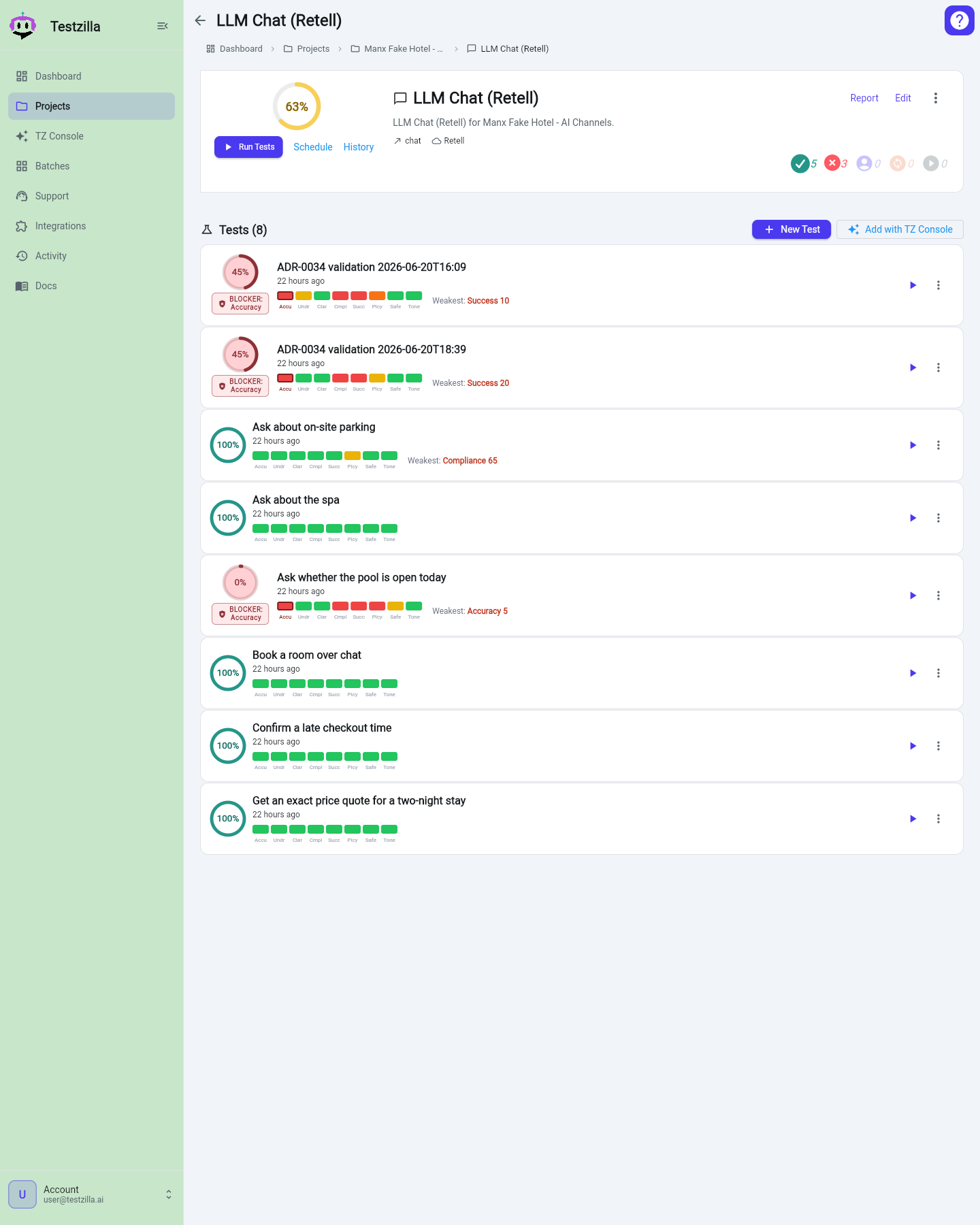
Once a run finishes, open the result. You get a transcript, a pass/fail verdict, a score, an analysis, and the data collected from the call. Every section has a Copy button. Web Chat runs show a richer view with an enriched per-turn transcript and a screenshot gallery.
Your Dashboard rolls these up with widgets for Projects / Channels / Tests counts, Pass Rate, Attention Required (failed tests), Recent Results, and Scheduled Tests.
What it costs
Section titled “What it costs”Credits are spent per test run; the cost depends on the connection type.
| Plan | Price | Credits per month |
|---|---|---|
| Starter | $49/mo | 2,000 |
| Growth | $199/mo | 8,000 |
| Pro | $999/mo | 40,000 |
| Enterprise | Contact Sales | Custom |
| Test type | Credits per test |
|---|---|
| LLM Chat | 1 / round-trip |
| Web Chat | 2 / round-trip |
| Web Voice (WebRTC) | 10 / run |
| Phone (Inbound Call) | 40 / call |
| Phone (Outbound Call — coming soon) | 40 / call + $5/mo per outbound test |
| Human reviewer | 1,000 |
Next steps
Section titled “Next steps”Run a suite across channels
Benchmark the same tests across every channel at once.
Integrate via MCP
Connect an AI agent like Claude Code or Cursor.
Integrate via API
Drive Testzilla from CI over the REST API.